we can check the system of our device by using some high profiled apps.So you have bought a new tablet, and want to unleash its full
potential? Why not install apps from the market? From the abundance of
apps, we have chosen only the best ones and gathered them below, these
are must have apps for your new tablet, take a look:
Astro File Manager
Astro
is not like any other normal file manager application, it takes you to
next step of file administration. It helps you systematize your images,
music library, video clips and other files on your phone and SD card.
You can also kill processes, which consumes a lot of your battery and
even backups your applications. It can also view images and backup files
and apps at the same time. The free edition of this application
contains ads, but they don’t obstruct the application’s features by any
means.
HD Widgets
Having widgets in Android is the best part, since you get the control
to insert anything and everything to your standby screen, so it makes
your tablet useful.
HD widgets is an android application which is ideal for android
tablets.
It gives you a great and polished feel on the homescreen of your
tablet, and you even get to choose between colors, you get options to
turn the edges and more transparency options, which makes it a must app
for your new tablet.
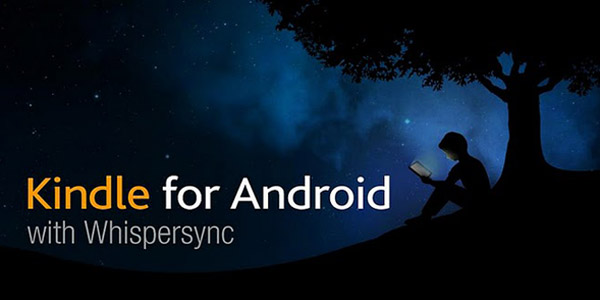
Amazon Kindle
With
Amazon kindle app
you can easily access a big collection of e-books. Even if you don’t to
buy e-books, you can still use this application for e-reading. Above
and beyond, you can also download free classic titles from the amazon
store using this wonderful app. The Kindle application also includes a
dictionary plus a feature called ‘Whispersync’ which helps you to sync
the books you’re reading across other devices.
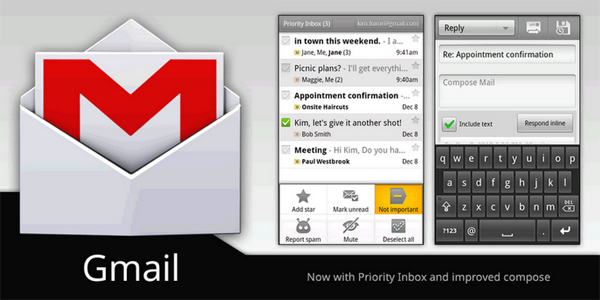
Gmail
Gmail is a must have app on your new tablet, since the tablet’s local email application is not quite excellent, so
Gmail app is the best option.
The app provides you the same interface as it provides on web-based
client. Push messaging, search and many other options are available. You
can also access synched messages in off-line mode. While you can also
use multiple Gmail accounts.
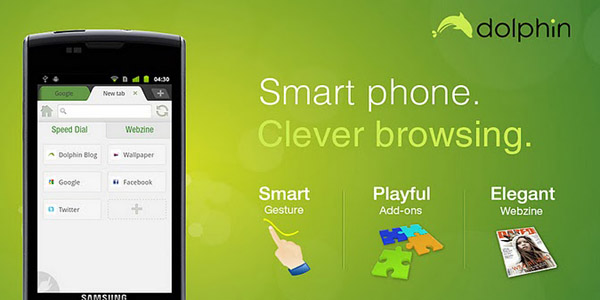
Dolphin browser
Dolphin Browser HD
is the snappiest, simplest and amazing Web browser. It boasts gesture
feature, Webzine and add-on. This browser app will take your web surfing
experience to the next level.
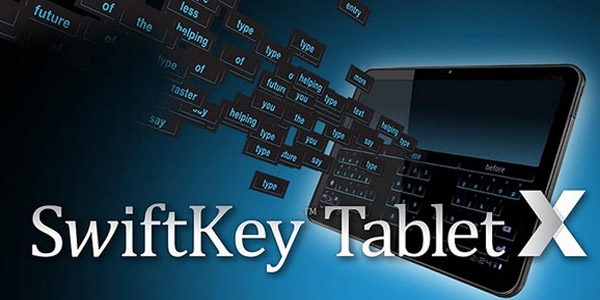
SwiftKey X Tablet
In android devices we have the choice for 3rd-party keyboard option
and they provide you the option to personalize your whole experience. If
you think you are comfortable with the built-in keyboard, then you must
install
SwiftKey X Tablet app
on your tablet. This keyboard app provides a complete package with
themes, personalization, and yet an opportunity to discover from the
users Gmail, Facebook or Twitter behavior. It also has tier-one
prediction system which will help save you time. This app also has a
split key “thumb” option to use only the ends for easy typing on the
huge 10″ tablets.
Flipboard
Flipboard
absorbs content feeds from a variety of websites and creates gorgeous,
tablet-friendly journal like pages, which makes it easy for a user to
browse and read the content.

You can swipe from page-to-page as you scan titles, and then you may
just tap on that box to see more. You can even share an article via the
Share tools which are available in this app, through this tool you can
send links to Twitter or e-mail.
This app is for iOS but if you have an
android tablet then Pulse is an option but it doenst offer much as compared to Flipboard.
So which one of these apps you liked the most?